


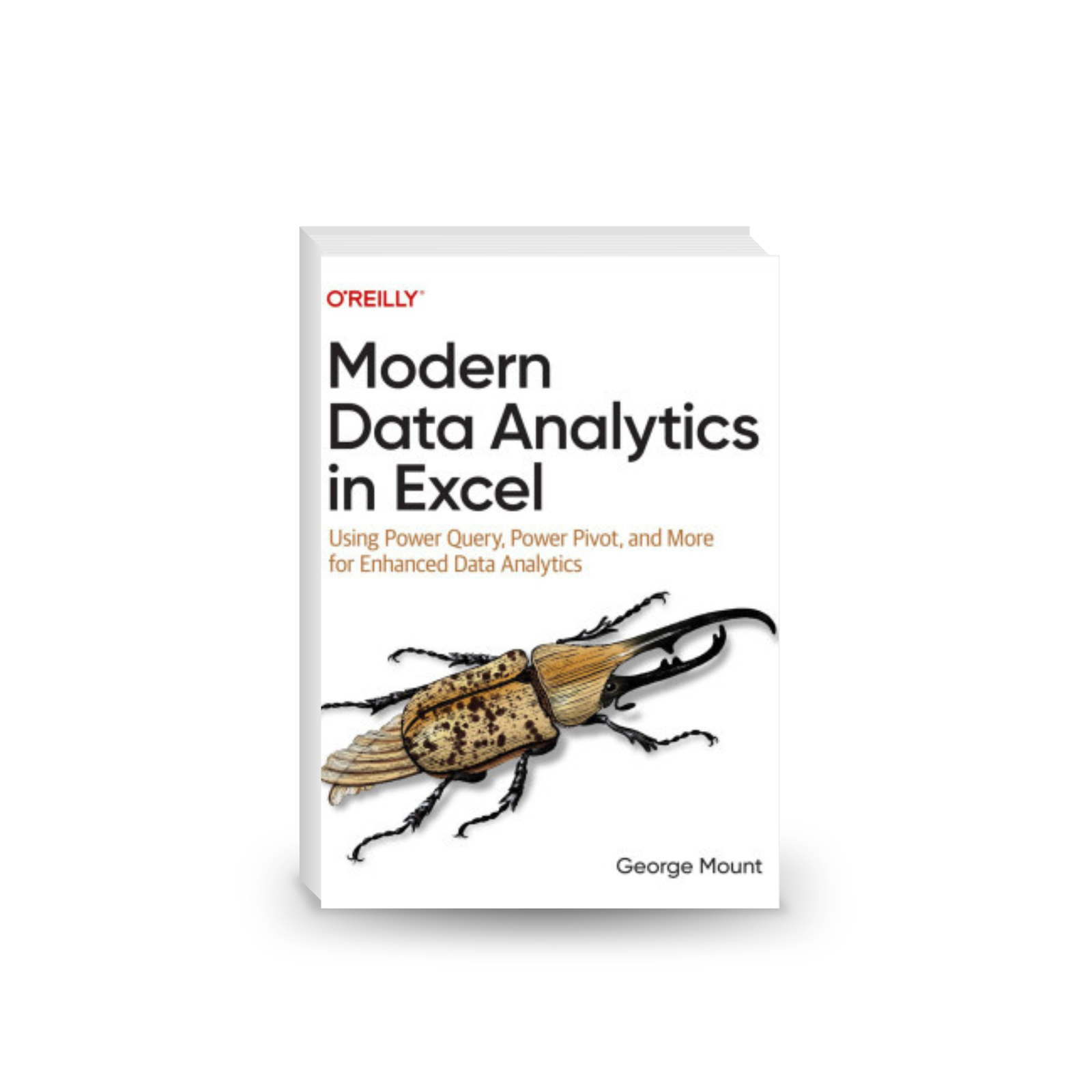
Modern Data Analytics in Excel: Using Power Query, Power Pivot, and More for Enhanced Data Analytics
Original price was: 48.99$.4.99$Current price is: 4.99$. & Free Shipping
If you haven’t modernized your data cleaning and reporting processes in Microsoft Excel, you’re missing out on big productivity gains. And if you’re looking to conduct rigorous data analysis, more can be done in Excel than you think.
Start reading immediately after purchase!
- Satisfaction Guaranteed
- No Hassle Refunds
- Secure Payments
Description
If you haven’t modernized your data cleaning and reporting processes in Microsoft Excel, you’re missing out on big productivity gains. And if you’re looking to conduct rigorous data analysis, more can be done in Excel than you think. This practical book serves as an introduction to the modern Excel suite of features along with other powerful tools for analytics.
George Mount of Stringfest Analytics shows business analysts, data analysts, and business intelligence specialists how to make bigger gains right from your spreadsheets by using Excel’s latest features. You’ll learn how to build repeatable data cleaning workflows with Power Query, and design relational data models straight from your workbook with Power Pivot. You’ll also explore other exciting new features for analytics, such as dynamic array functions, AI-powered insights, and Python integration.
Learn how to build reports and analyses that were previously difficult or impossible to do in Excel. This book shows you how to:
– Build repeatable data cleaning processes for Excel with Power Query
– Create relational data models and analysis measures with Power Pivot
– Pull data quickly with dynamic arrays
– Use AI to uncover patterns and trends from inside Excel
– Integrate Python functionality with Excel for automated analysis and reporting
Related products
-
Sale!

Calm the F*ck Down: How to Control What You Can and Accept What You Can’t So You Can Stop Freaking Out
Original price was: 23.99$.4.99$Current price is: 4.99$. -
Sale!
Nlp: Neuro Linguistic Programming: Re-program your control over emotions and behavior, Mind Control
Original price was: 15.99$.4.99$Current price is: 4.99$. -
Sale!
JavaScript: JavaScript Programming for Absolute Beginners: Ultimate Guide to JavaScript Coding, JavaScript Programs, and JavaScript Language
Original price was: 15.99$.4.99$Current price is: 4.99$. -
Sale!
Unity in Action: Multiplatform Game Development in C#
Original price was: 50.99$.4.99$Current price is: 4.99$.


Reviews
There are no reviews yet.